Welcome. Let us get your site started.
The onboarding form for new FleetWebStudio clients. Fill in what you have, submit, and send anything missing later by email or from your client portal.
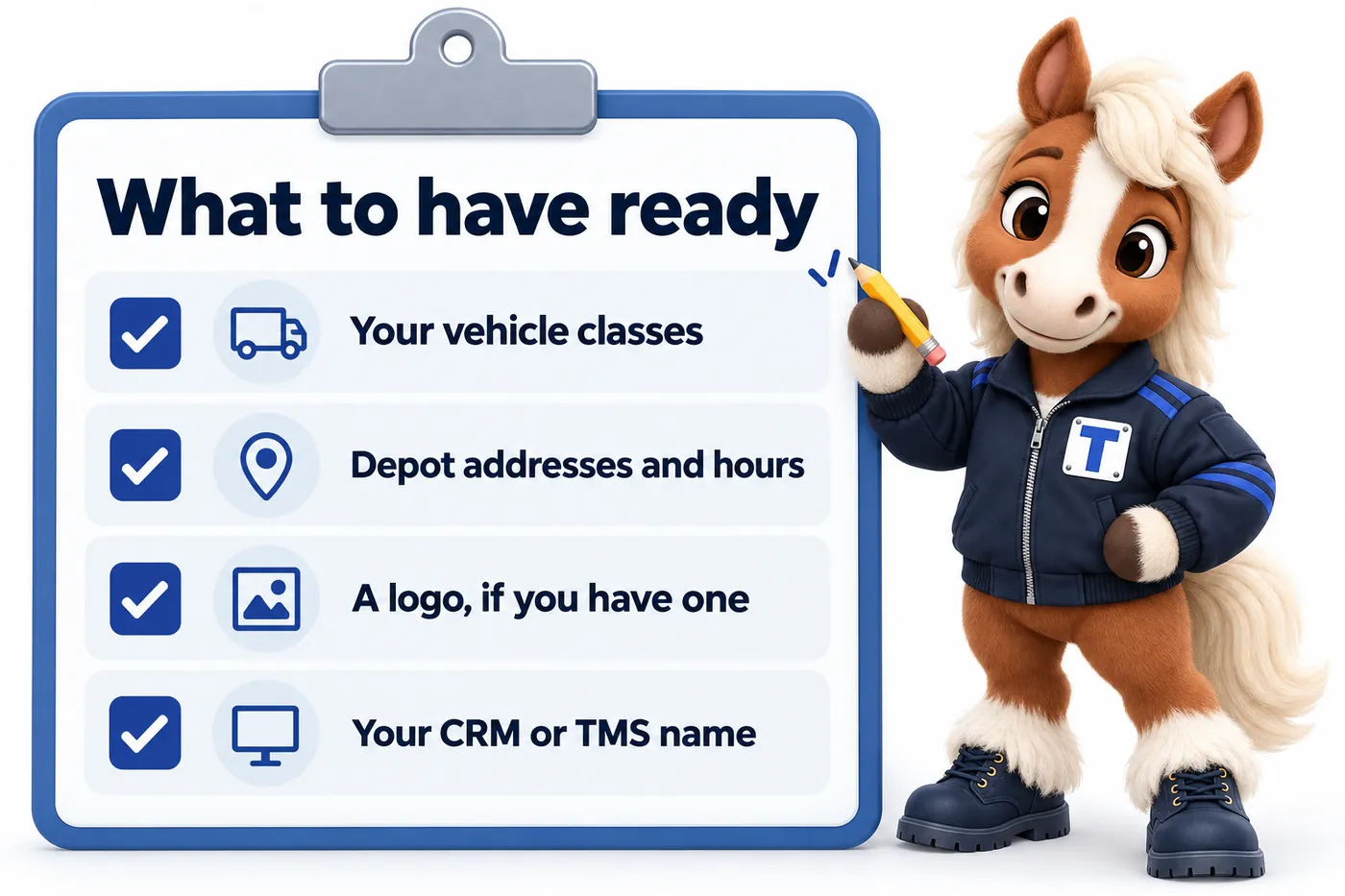
What to have ready, if you have it
A list of your vehicle classes
Even a rough list is enough to start; detail can follow.
Addresses and hours for each depot
One line per location is fine for the first pass.
A logo, if you have one
A link or a file is enough. We can set a wordmark if you do not have one yet.
The name of your CRM or TMS
So we can wire enquiry routing during the build rather than after.
How the build runs
Step 1
You pay the first monthly invoice
That starts the plan. The build fee is not charged yet.
Step 2
You fill in this form
It takes about 15 minutes. Anything you do not have yet can follow later.
Step 3
One onboarding call
We walk through your answers, fill the gaps, and agree the launch date.
Step 4
We build and launch
Live in 7 days on Manifest. The build fee is invoiced only once you have approved the site.
After launch, everything runs through your client portal
You get an account the day the site goes live. From it you request revisions, raise a support ticket for anything that needs attention, send us files, and talk to the team directly. You get 5 revisions a month included, of any size, each completed within 2 to 5 working days. You never need to log in to the website itself.
Onboarding questions
What happens straight after I buy?
You fill in the onboarding form and submit it. It asks for your fleet size, vehicle classes, depots, brand, domain and where enquiries should land, and it takes about 15 minutes. If something is missing, submit anyway: you can send the rest by email or raise it as a ticket in your client portal, and it will not hold up the build. We then run one onboarding call to fill any gaps and agree the launch date.
What is the client portal?
It is your account with us, and you get it the day your site goes live. From the portal you request revisions, raise a support ticket for anything that needs attention, send us files you still owe us, and message our team directly. Everything to do with your site runs through it, so nothing gets lost in an inbox. You never log in to the website itself; we handle that side.
Do we need to have all our depots and rates finalised before we start?
No. Submit the onboarding form with whatever you have now, even if it is just one depot and a rough vehicle list. The rest can follow by email or as a ticket in your client portal, and additional depots or vehicle classes go live as revisions once you send the detail.